GPT Image 2.5 is here: create images with transparent backgrounds

AI video watermark remover

Choose a video to clean up visible logos, corner marks and text watermarks before your next edit

Supports MP4 format · Max 10 minutes duration, max 500MB

How to remove a video watermark online

1

Choose a video file

Choose an MP4 video from your computer or phone. Clips can be up to 10 minutes long.

2

Start processing in one click

AI detects and processes visible watermarks automatically, with no text prompt or frame-by-frame selection needed.

3

Preview and download the result

Follow progress in My creations. When it's done, play the video and download it for your next edit or post.
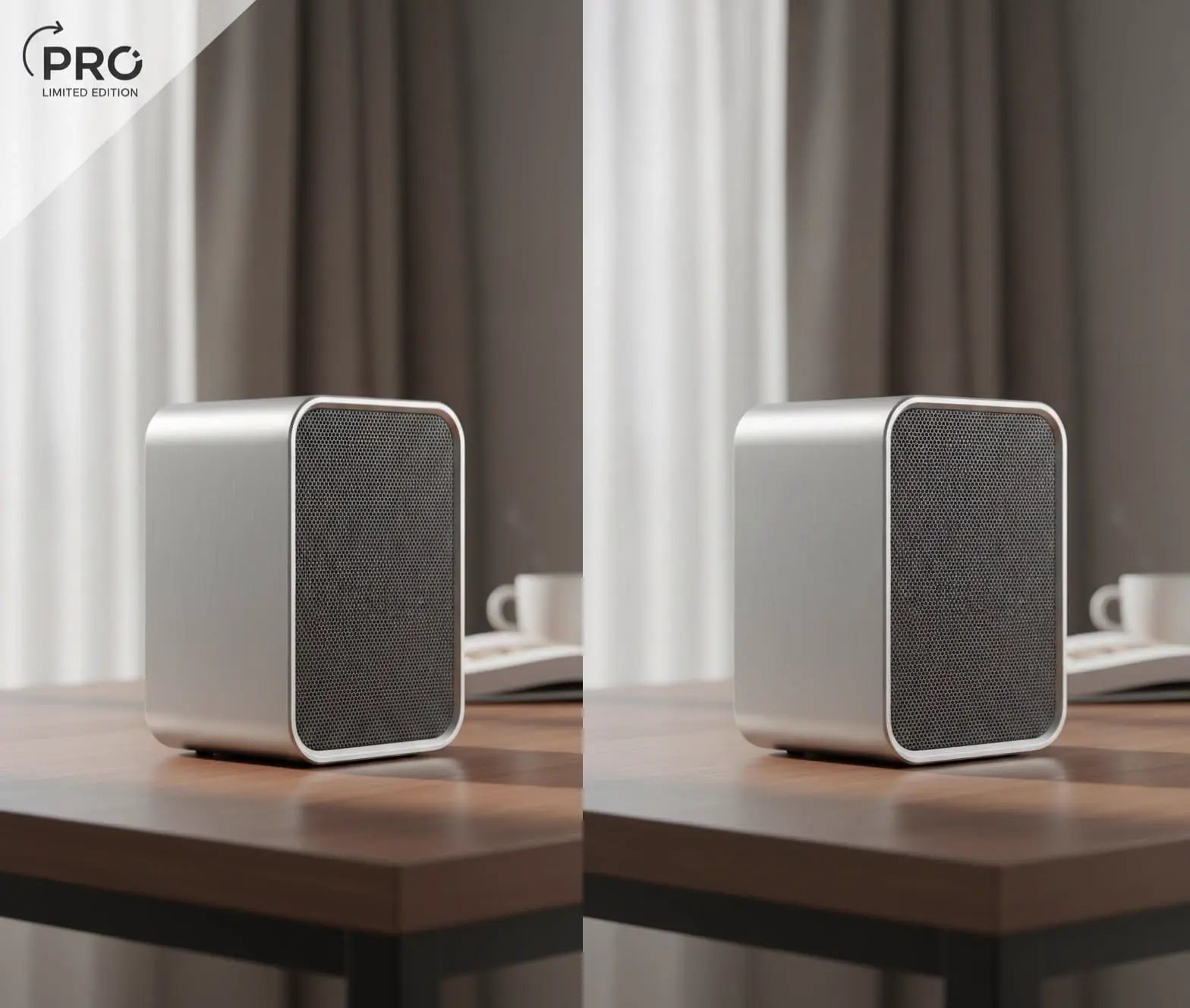
Illustration of corner watermark cleanup on a desktop speaker video frame

Process visible logos and corner marks

Let AI identify and process visible watermarks in an existing video, with no manual frame-by-frame work before you move the footage into an editor.
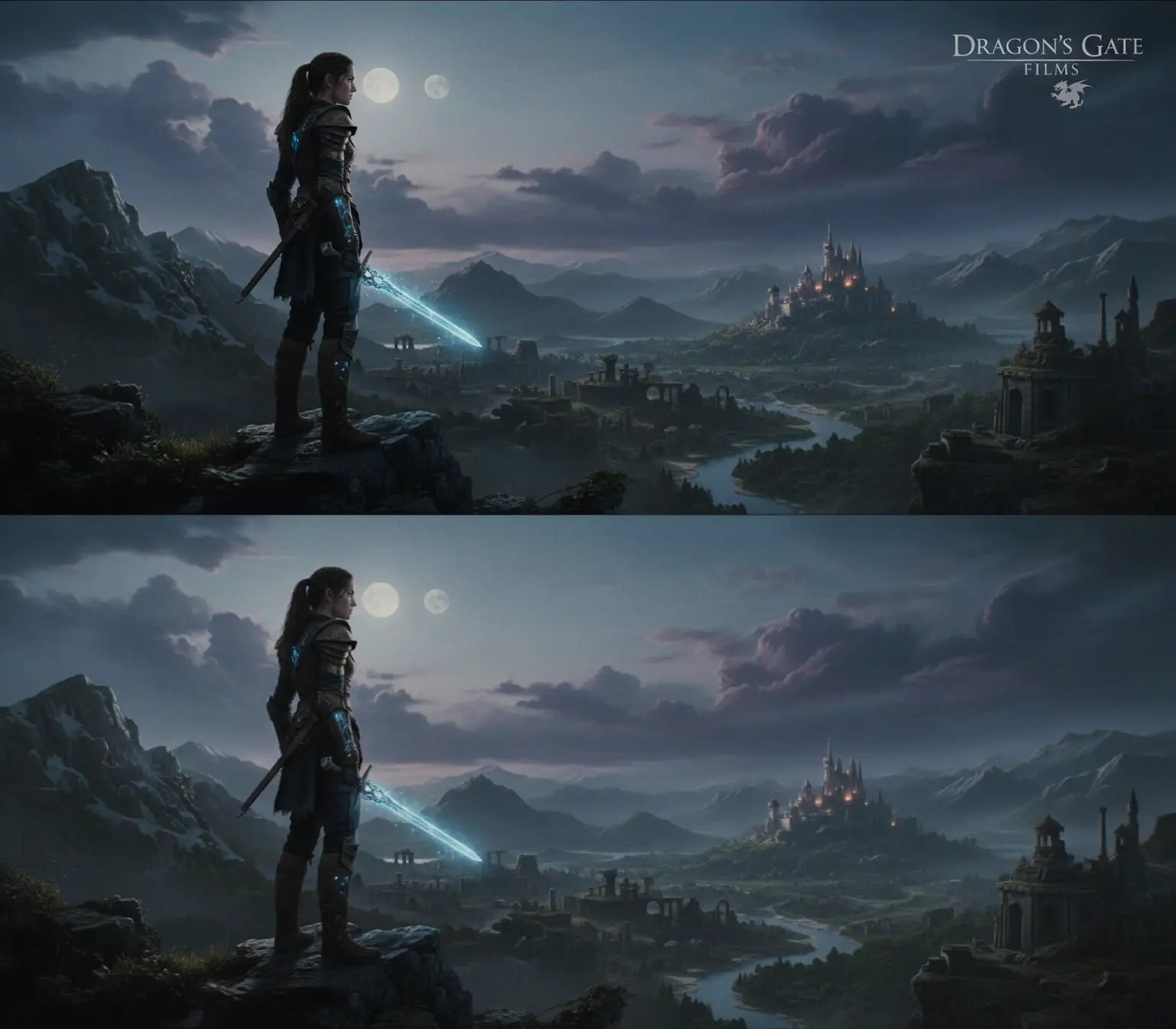
Before-and-after illustration of text cleanup in a game scene

Fill the area covered by a watermark

AI automatically fills in the watermarked area, drawing on nearby frames and the surrounding imagery. No manual frame-by-frame repair needed.
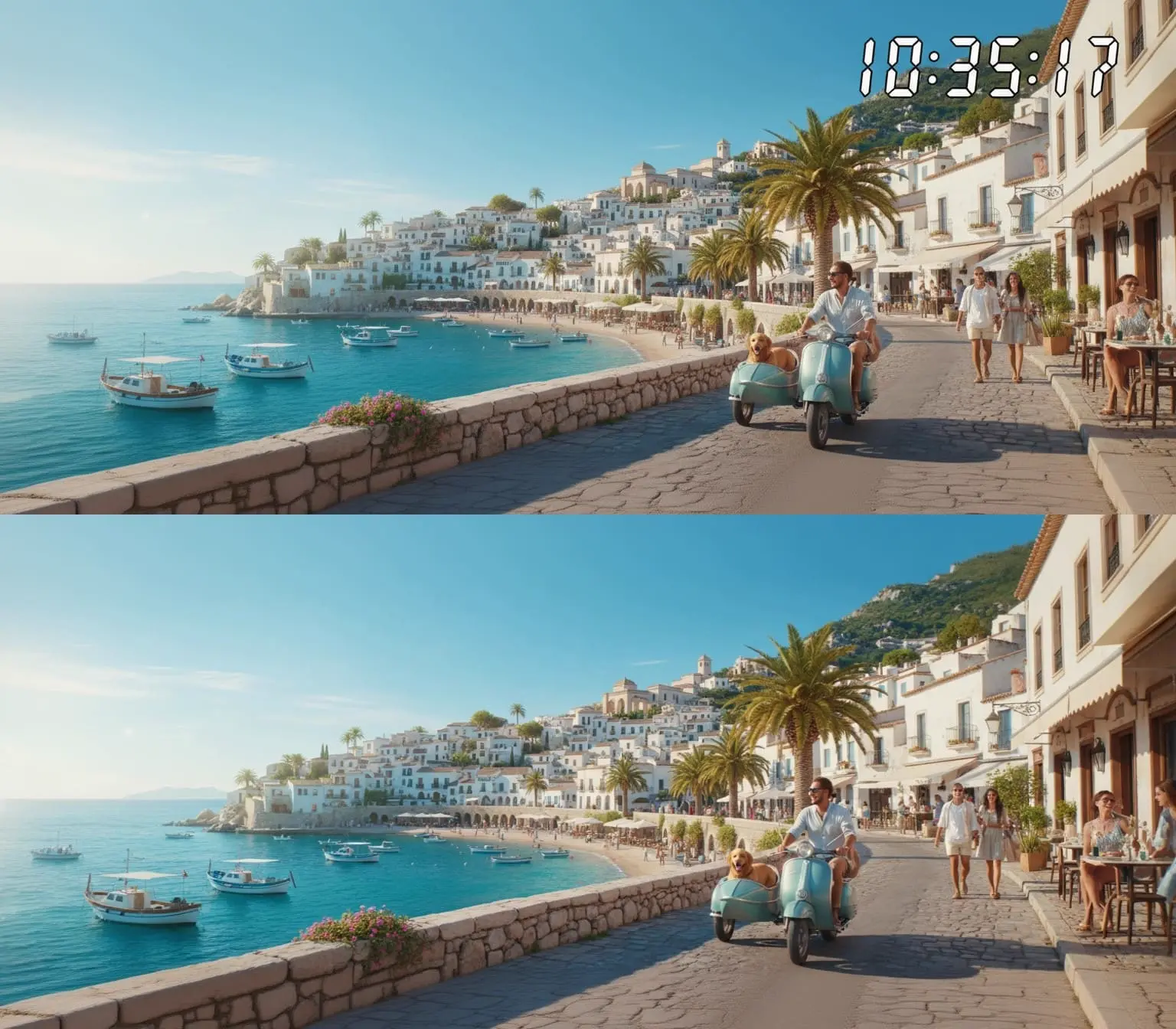
Illustration of timestamp removal from a seaside promenade scene

Clean up timestamps and text watermarks

Automatically process dates, timestamps and text marks overlaid on your footage. Submit the whole video at once instead of brushing frame by frame, and save cleanup time for product showcases and content creation.
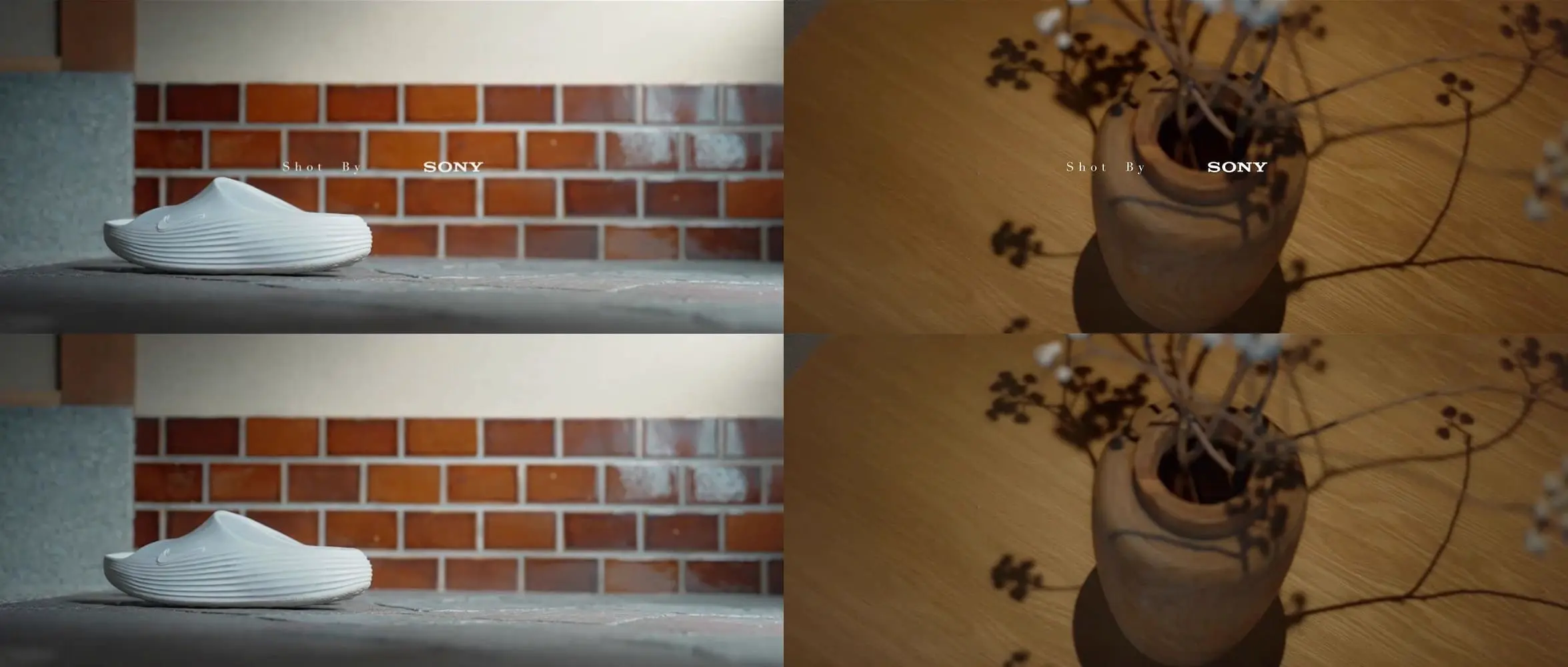
Product video frame illustrations showing text marks on shoes and a camera

Process the whole video across scene changes

Upload an MP4 up to 500 MB and 10 minutes long to process the whole video in one pass, across scene changes, and save prep time before editing.
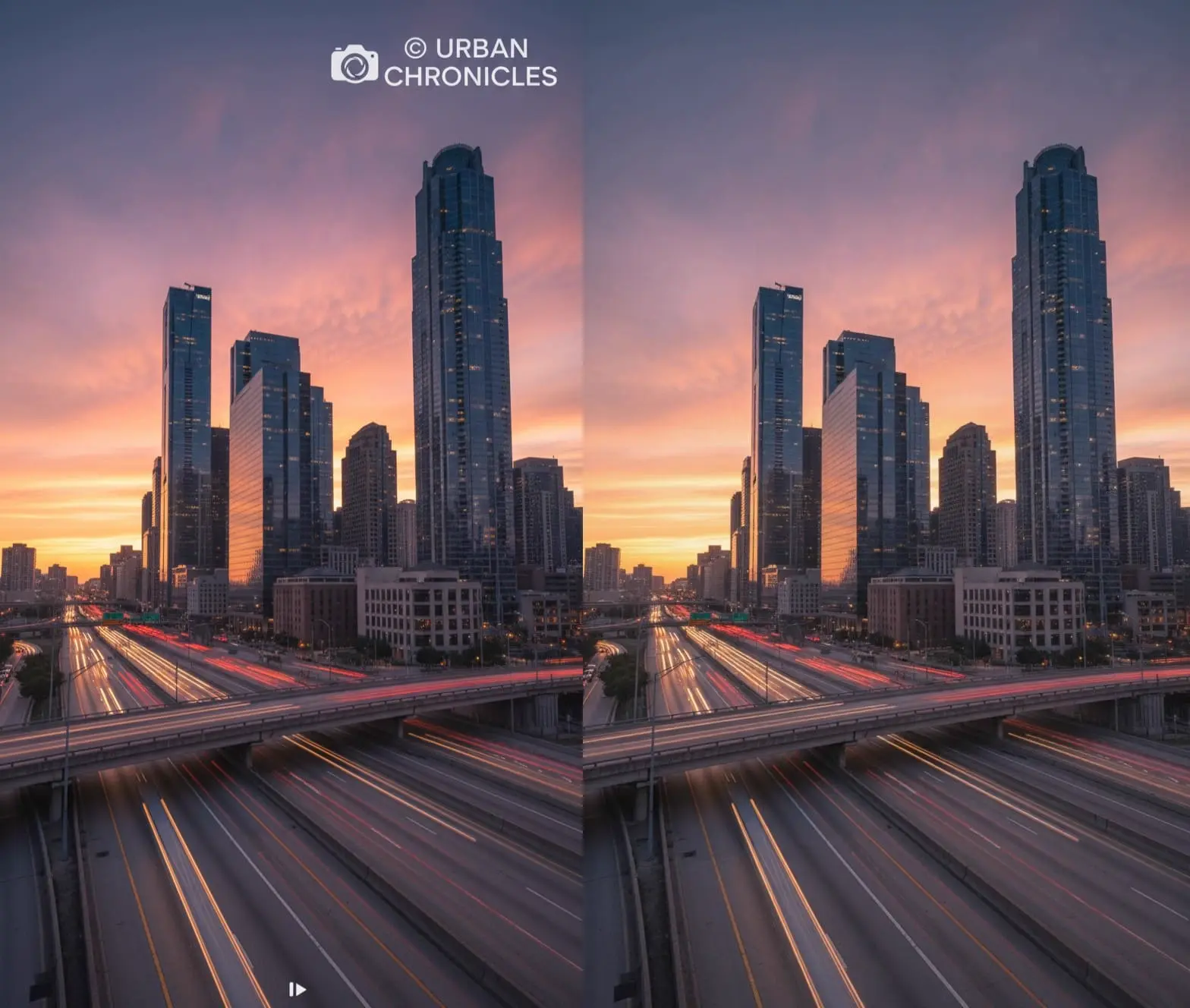
Before-and-after illustration of logo cleanup in a city timelapse frame

Prepare footage for your next edit

Keep processed videos in My creations to revisit and download. After downloading, import them into your editing software to continue with a product introduction, presentation or social clip.

What would you like to do next?

Frequently asked questions

No. Choose a video and submit it, and AI automatically detects and processes visible watermarks. This page does not include manual masks, region selection or frame-by-frame editing.

It is intended for visible logos, corner marks, timestamps and text watermarks in existing videos, including semi-transparent watermarks and moving corner marks.

This service uses credits based on video duration. Failed tasks are not charged.

AI fills the watermarked area by drawing on nearby frames and the surrounding footage, processing the video as continuous footage. The result is a re-encoded video file with its own bitrate and file size.

Yes. Only the picture is changed, so the original audio track is kept in the result; a video that had no sound still has none. Re-encoding changes the bitrate and file size, but it does not drop the audio.

The tool currently accepts MP4 files up to 500 MB and 10 minutes long. The browser must also be able to read the duration. Convert other formats to MP4 or split longer footage first.

After submission, you are taken to the video My creations page to follow the task. Preview and download the completed result there, or return using the My creations link at the top of this page.