GPT Image 2.5 is here: create images with transparent backgrounds

AI image watermark remover

Upload an image to remove text and logo watermarks, with AI restoring the covered areas naturally

JPG, PNG, or WebP, up to 30 MB

How to remove watermarks from an image

1

Choose an image with a watermark

Choose the image you want to process. Check the upload area for supported formats and file size limits.

2

Let AI detect and remove watermarks

No manual brushing is required. Track processing in My creations after the task is submitted.

3

Preview and download the result

When processing finishes, preview the result in My creations and download the processed image.
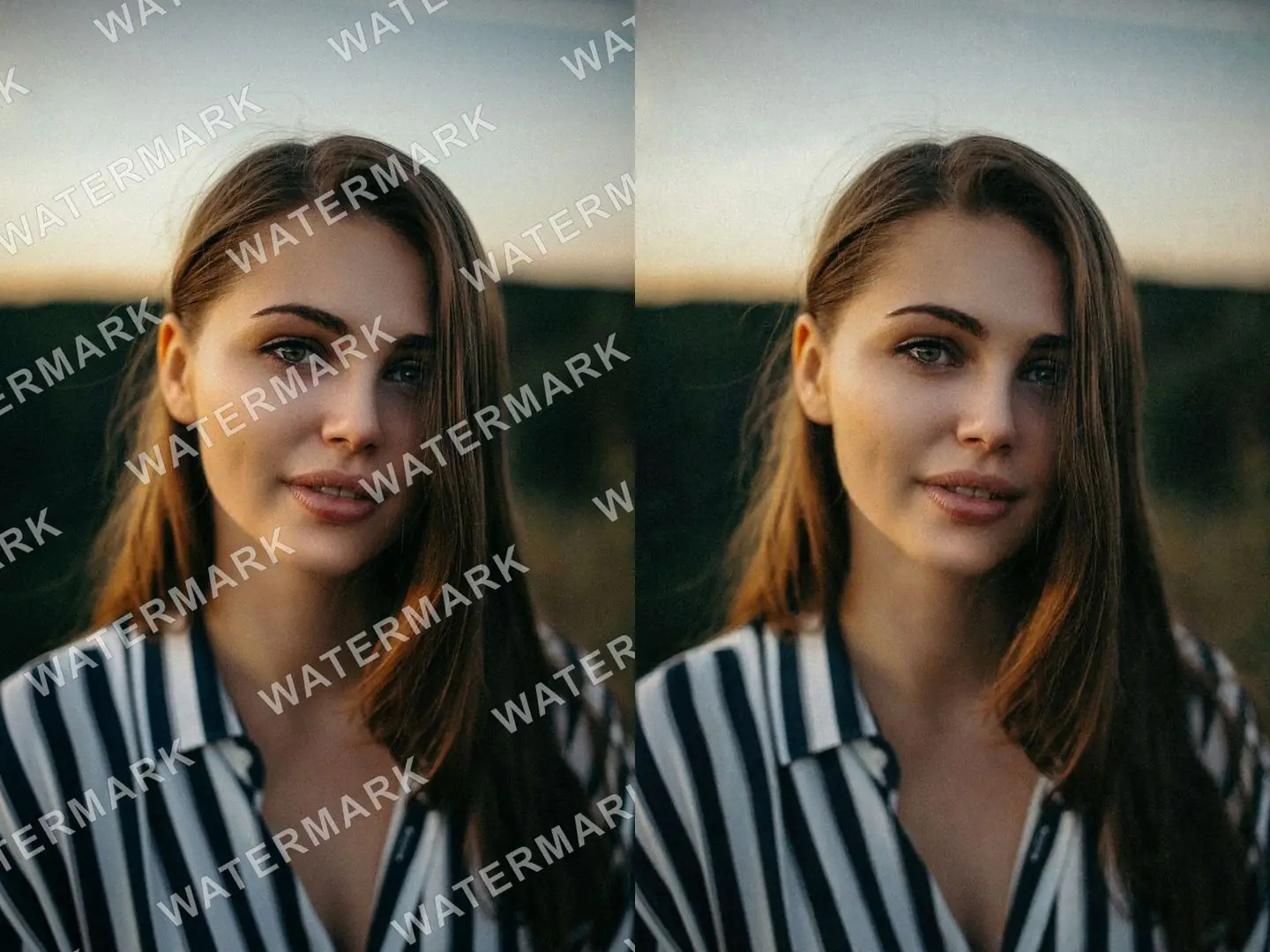
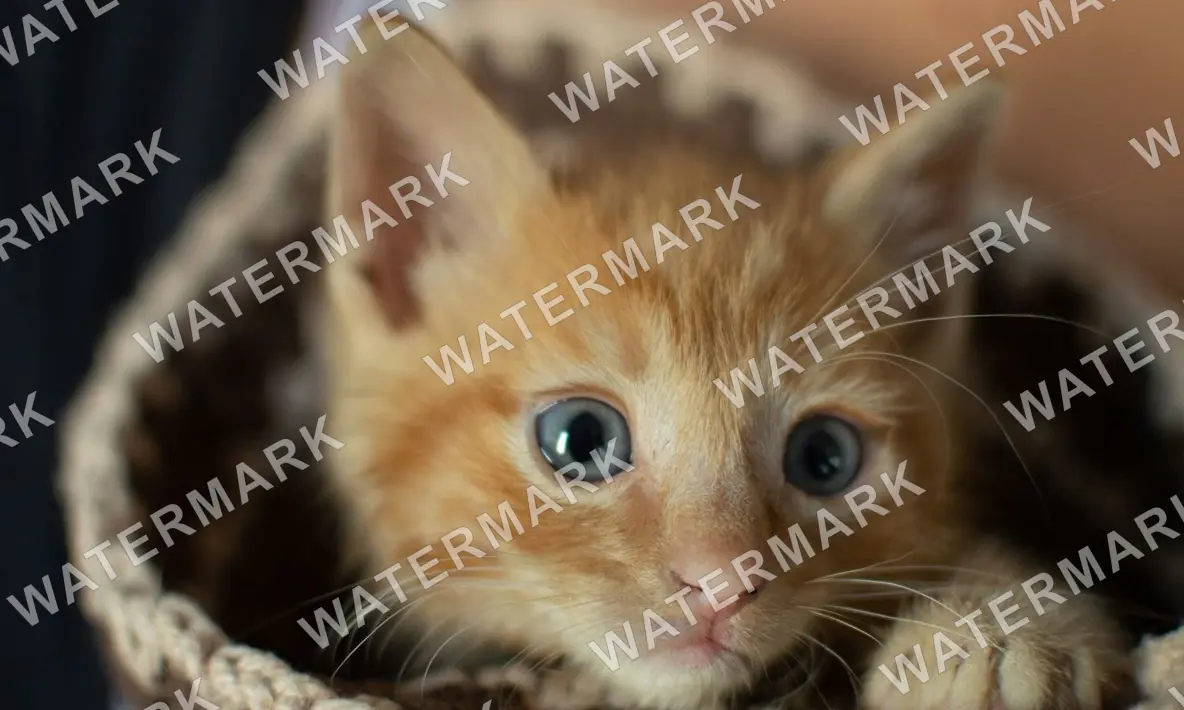
Before and after diagonal text watermarks covering a whole photo are removed

Automatically remove text watermarks across the whole image

When semi-transparent text runs diagonally across the whole image, AI detects and removes it automatically, so you don't have to brush over each spot. Processing starts as soon as you choose an image and usually takes 5 to 20 seconds.
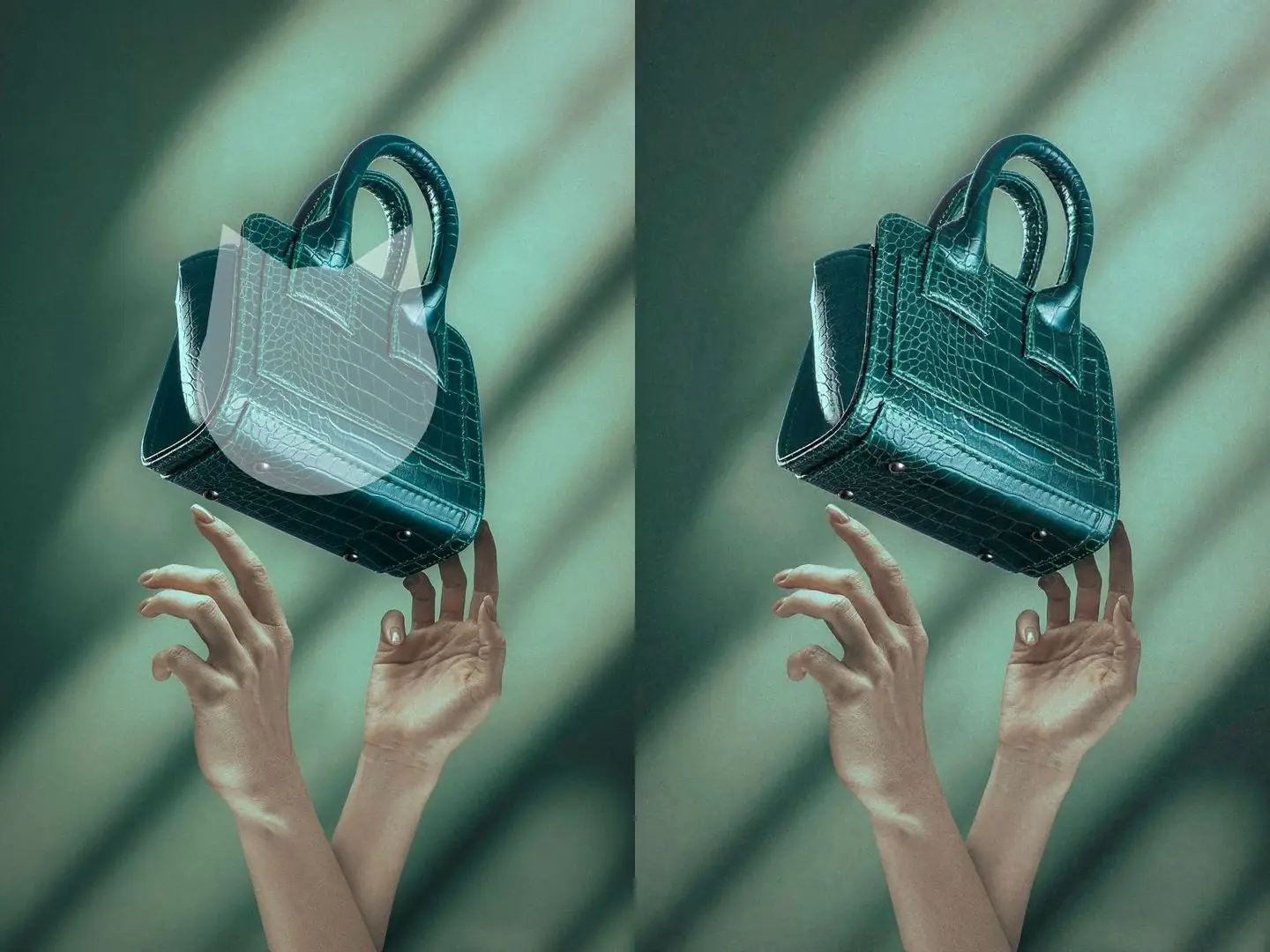
Before and after a semi-transparent logo over the subject is removed from a product photo

Remove logos even when they cover the subject

When a logo covers a product or person, AI fills in the hidden area based on the surrounding image, with no manual retouching needed.
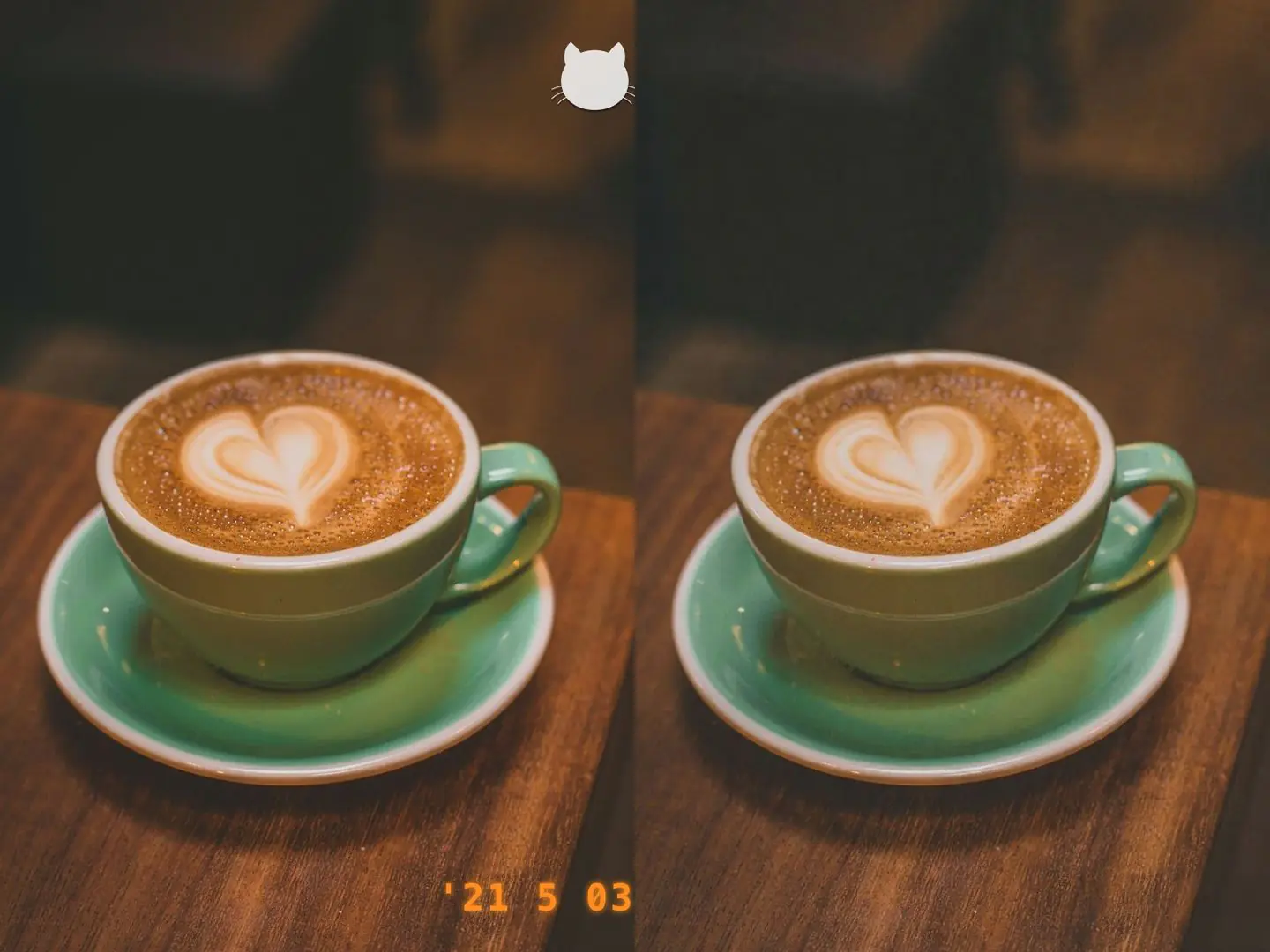
Before and after a date stamp and a corner logo are removed from a photo

Remove date stamps and corner logos, then keep editing

Remove the date and logo from the corners of a photo in one go. Results are saved in My creations, where you can download them right away or keep refining them with AI image editing.

What would you like to do next?

Frequently asked questions

No. The tool automatically identifies and processes image watermarks. Processing starts after you choose an image.

Yes, this tool handles all of those: platform watermarks, burned-in subtitles along the bottom of a video screenshot, and date stamps or logos in the corner. Processing starts as soon as you choose an image. To rewrite a specific piece of text, or to take out an object in the scene, AI object remover or AI image editing will be more precise.

AI fills the watermarked area using the surrounding image, with no manual brushing at any step. Smaller, more transparent watermarks on simpler backgrounds give the cleanest results.

The tool currently processes one image per submission. Submit additional images separately.

Image watermark removal uses credits, and processing starts automatically after you choose an image. Failed tasks are not charged.