GPT Image 2.5 is here: create images with transparent backgrounds

AI photo enhancer

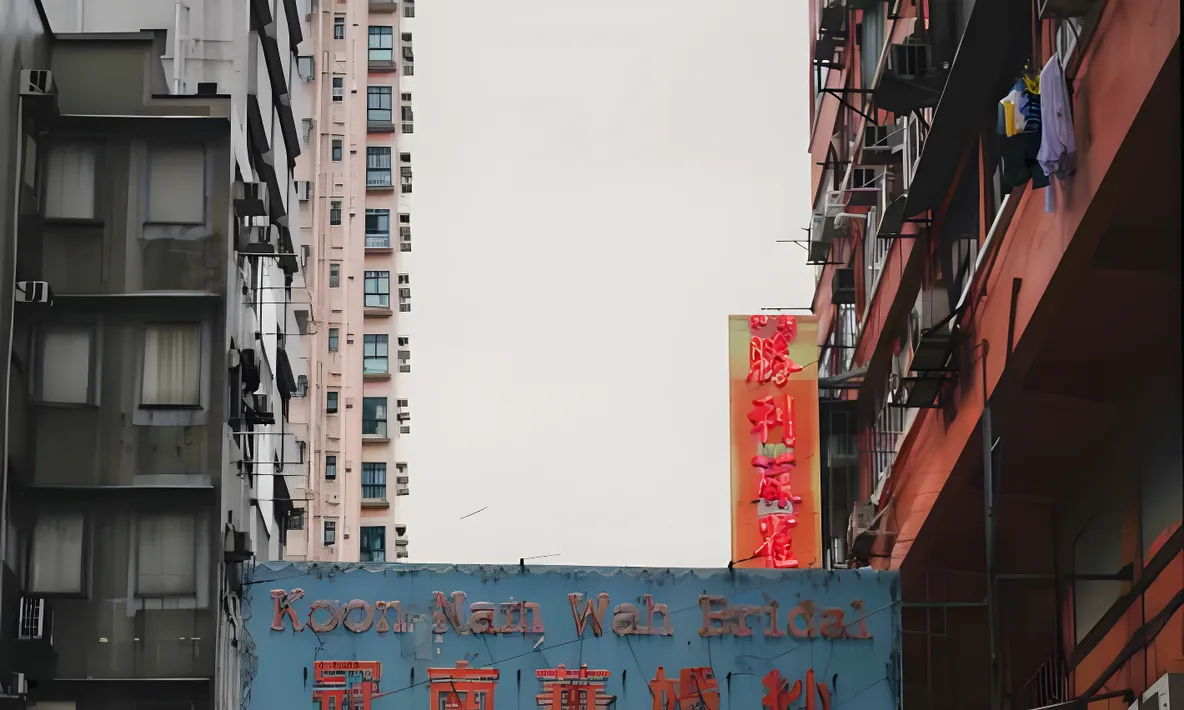
AI rebuilds the detail in photos that are blurry, over-compressed or just old
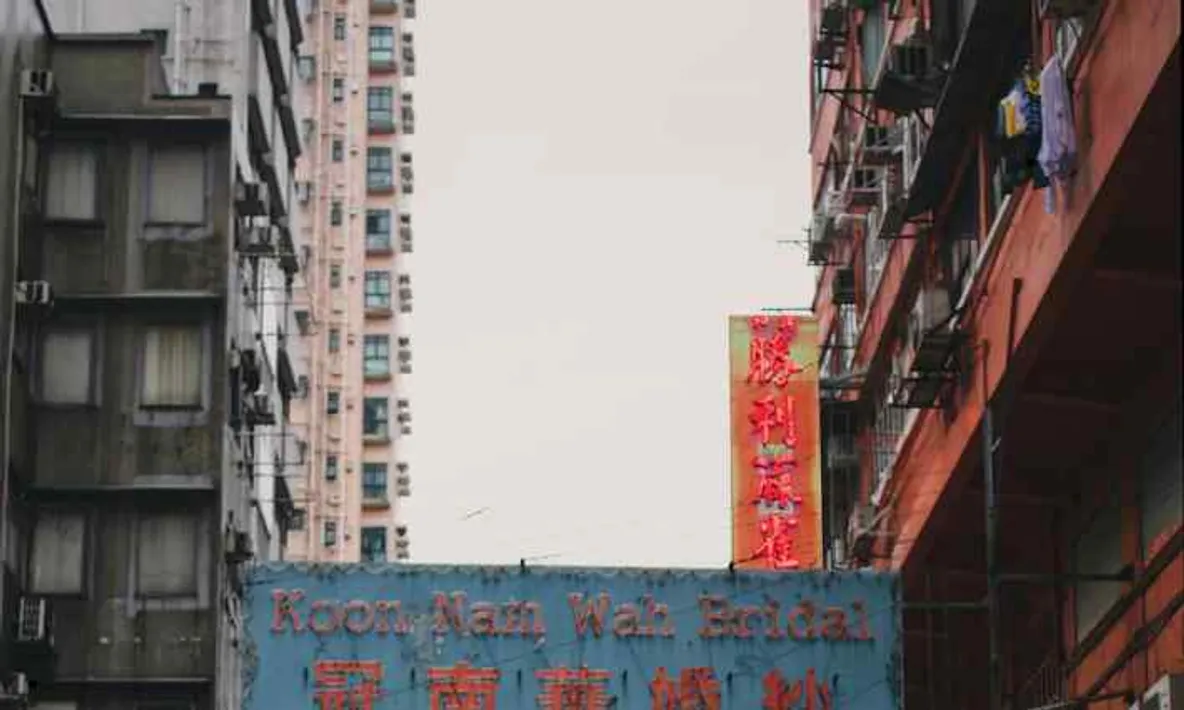
How to make a photo clearer with AI

1

Upload the photo

Blurry, over-compressed or aging photos all work; supported formats and size limits are shown in the upload area

2

AI rebuilds the detail

Natural enhance runs by default and takes a few seconds. If the source is badly degraded, run deep enhance from the result page

3

Compare at 1:1, then download

Zoom the result to full size and check the faces and textures before you download it
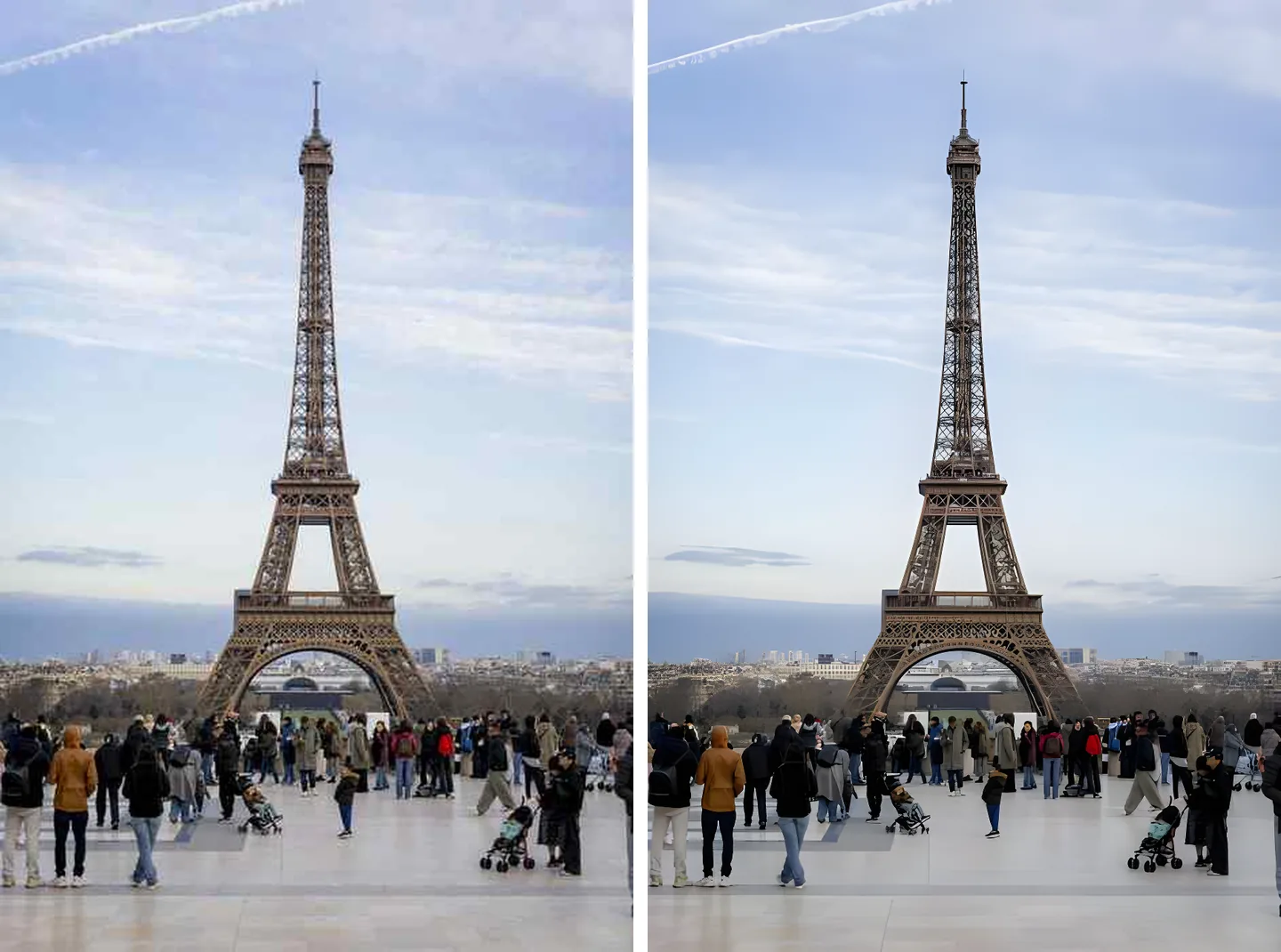
A compressed photo before and after enhancement

Photos ruined by compression can come back

AI rebuilds the blocky noise and ragged edges left by repeated re-saves, using the texture around them. The worse the source, the bigger the difference.
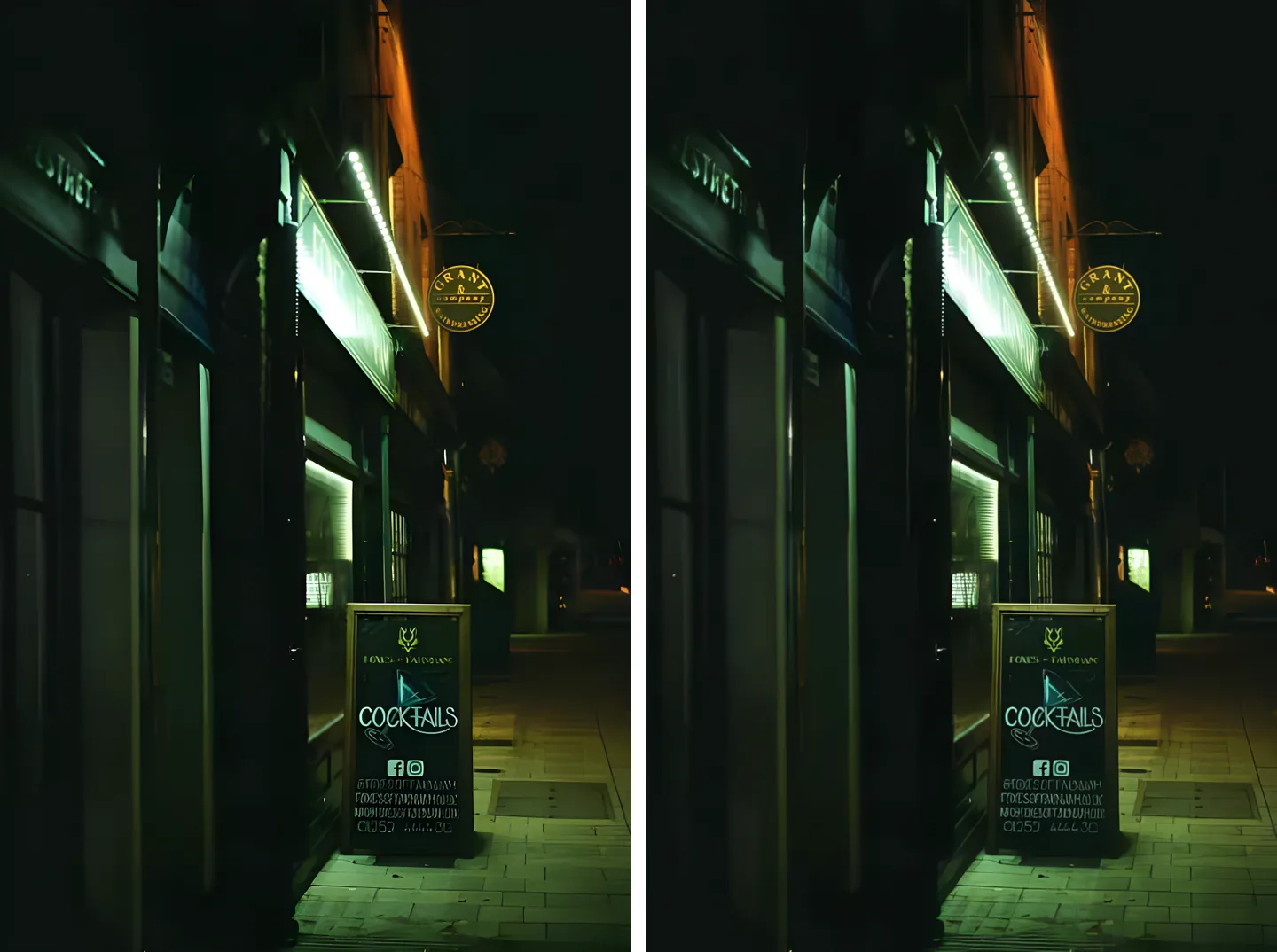
The same photo with natural enhance and with deep enhance

Two levels, try the cheap one first

Natural enhance is the default: a few seconds, very low cost. Not enough? Run deep enhance on the same photo. It is slower and costs more, but it copes with badly degraded sources.
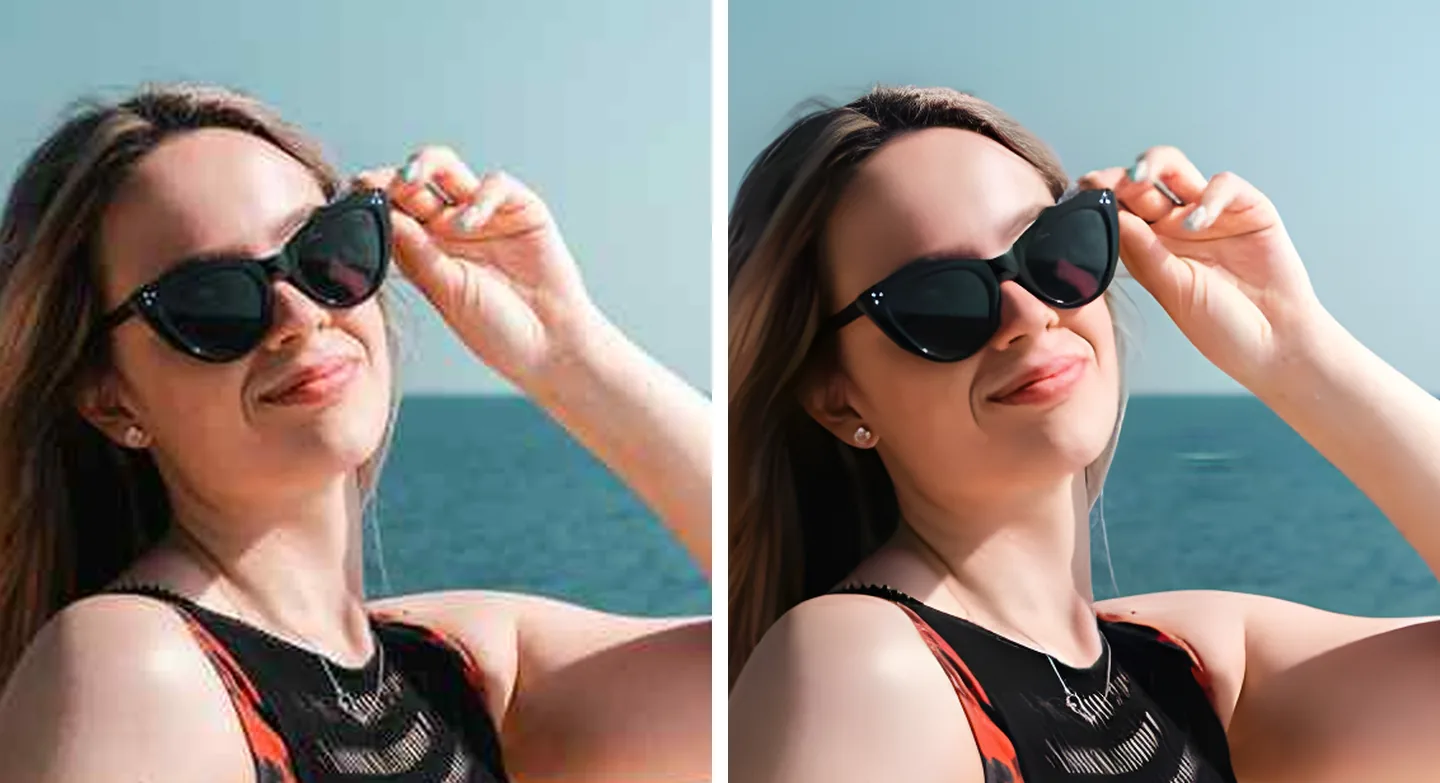
An enhanced portrait examined at full size

Zoom to 1:1 on a face before you keep it

Enhancement rebuilds detail; it does not recover the truth. So always look up close: has the face changed, does the texture still look like that person. We built that check into the page.

What would you like to do next?

Frequently asked questions

Not always. Most of the time we clean up compression and blur at the original size; we only enlarge when the source is genuinely small. Either way the result is never smaller than what you uploaded.

That risk is real, which is why you should always zoom in. Enhancement rebuilds detail rather than recovering the truth, and the blurrier the source, the more the model invents. The page gives you a 1:1 comparison so you can check faces and textures before keeping it.

Start with natural. It takes a few seconds and costs very little. If it is not enough, run deep enhance on the same photo from the result page: slower and pricier, but it copes better with badly degraded sources.

Yes, though natural enhance first shrinks very large images to fit its processing range, so the result may not reach the original size. For camera originals, go straight to deep enhance.

When the source is already fairly sharp there is little information to add, so the change is small. Those are exactly the ones to check at 1:1 — a small change means the model did not invent much, which is a good sign.